

The One System-ذا ون سيستم

Concrete Program

The Optimal Solution for Ready-Mix Concrete Production Companies

An easy-to-use software that records all financial transactions, including receipts, payments, and journal entries. It also manages inventory operations such as purchase invoices for raw materials (cement, sand, and aggregates) and service items like spare parts, oils, and fuel used in production and delivery.
The system helps monitor daily plant operations by tracking concrete production quantities and types, as well as delivered quantities through delivery notes and customer invoices. It also supports daily scheduling, managing customer price quotations based on site location and geographical differences, and generating customer account statements either overall or by site.

Main components of the program

Warehouse Department

All warehouse operations:
Purchases – Sales – Transfers – Material Issue Vouchers – Material Receipt Vouchers – Price Quotations – Purchase Orders – Replenishment
Item movement – Inventory counting – Invoice profits – Sales representatives’ sales

Accounting Department

(Receipts – Payments – Journal Entries) General Ledger – Journal – Trial Balance (by balances or totals) – Account Balances – Revenue and Expense Analysis – Final Accounts / Financial Statements

The One POS System

The One POS Android :-
Helps sales representatives’ point of sale on handheld devices in
( Create a new invoice – Edit a previous invoice – Customer collections – Customer account statement )
Works ONLINE or OFFLINE

POS Department

Compact point of sale – Simple reports – Fast performance

Installments Department

Distributing an invoice into installments with specific dates and collecting installments

Manufacturing Department

Manufacturing templates and manufacturing processes – Raw material issue vouchers – Finished goods receipt voucher

Human Resources Department (HR)

The system manages employee data, alerts, fingerprint attendance, check-in and check-out, salaries, leaves, advances, end-of-service, and employee entitlements. It supports multiple live reports such as sales and attendance reports.
The system also supports SMS and WhatsApp messaging, integrates with mobile point-of-sale systems (Android tablets and Windows devices), and is suitable for large, medium, and small companies across various sectors.
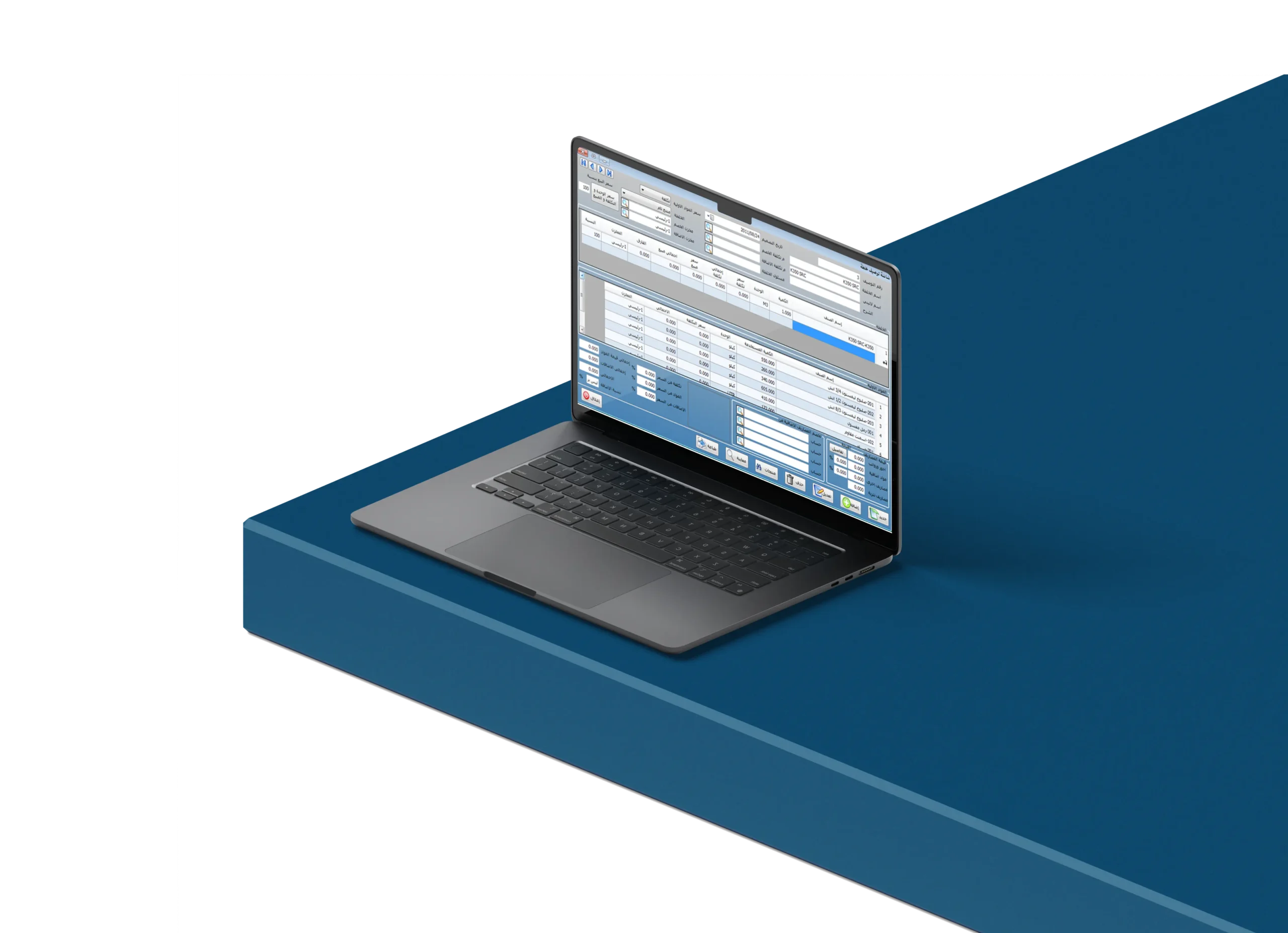
Mix Design Screen Used to create the design mix

Which is divided into three sections

Customer and Site (Branch) Definition Screen)

Customer names, credit limits for each customer, and customer details and addresses are entered. The system also allows entering the customer’s sites by site name and address, with an unlimited number of sites, and links them to delivery notes.

Data Screen
Sales Representatives and Drivers

Driver, sales representative, and mixer operator data are entered by specifying the employee’s full name and selecting the required job role. If the employee is a driver, the vehicle number is also selected. These employee records are used in delivery notes, receipt vouchers, and invoices screens.

Mixing Voucher Types Setup Screen

Raw Materials Issue Voucher
Finished Product Receipt Voucher (Ready-Mix Concrete)

Pattern linking data is entered by selecting the pattern to be affected through the Raw Materials Issue Voucher and the Finished Product Receipt Voucher (Ready-Mix Concrete). After linking, the Edit button is pressed to apply the linkage so that it takes effect when a production process occurs.

Quotation Creation Screen

To deal with a customer, a quotation must be created in advance, as it represents the agreement between the company and the customer.

Invoice Creation Screen

Through the invoice creation screen, invoices are issued to the customer.

Production Order Execution Screen

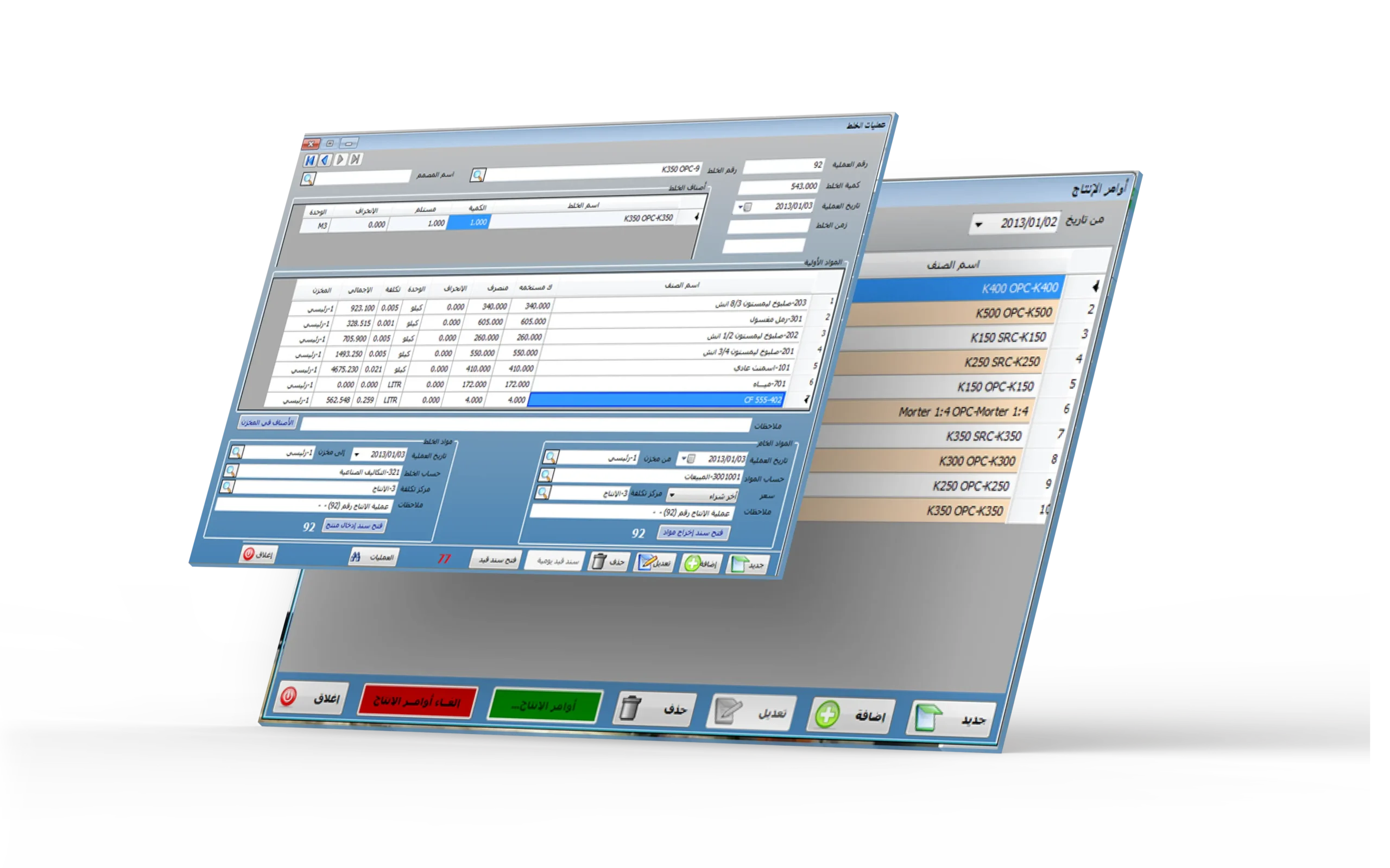
Through the execution of production orders, work is carried out across several linked screens, including: Production Orders, Mixing Process, Raw Materials Issue Voucher, Finished Product Receipt Voucher (Ready-Mix Concrete), and the journal entry generated from the production process.

Account statement

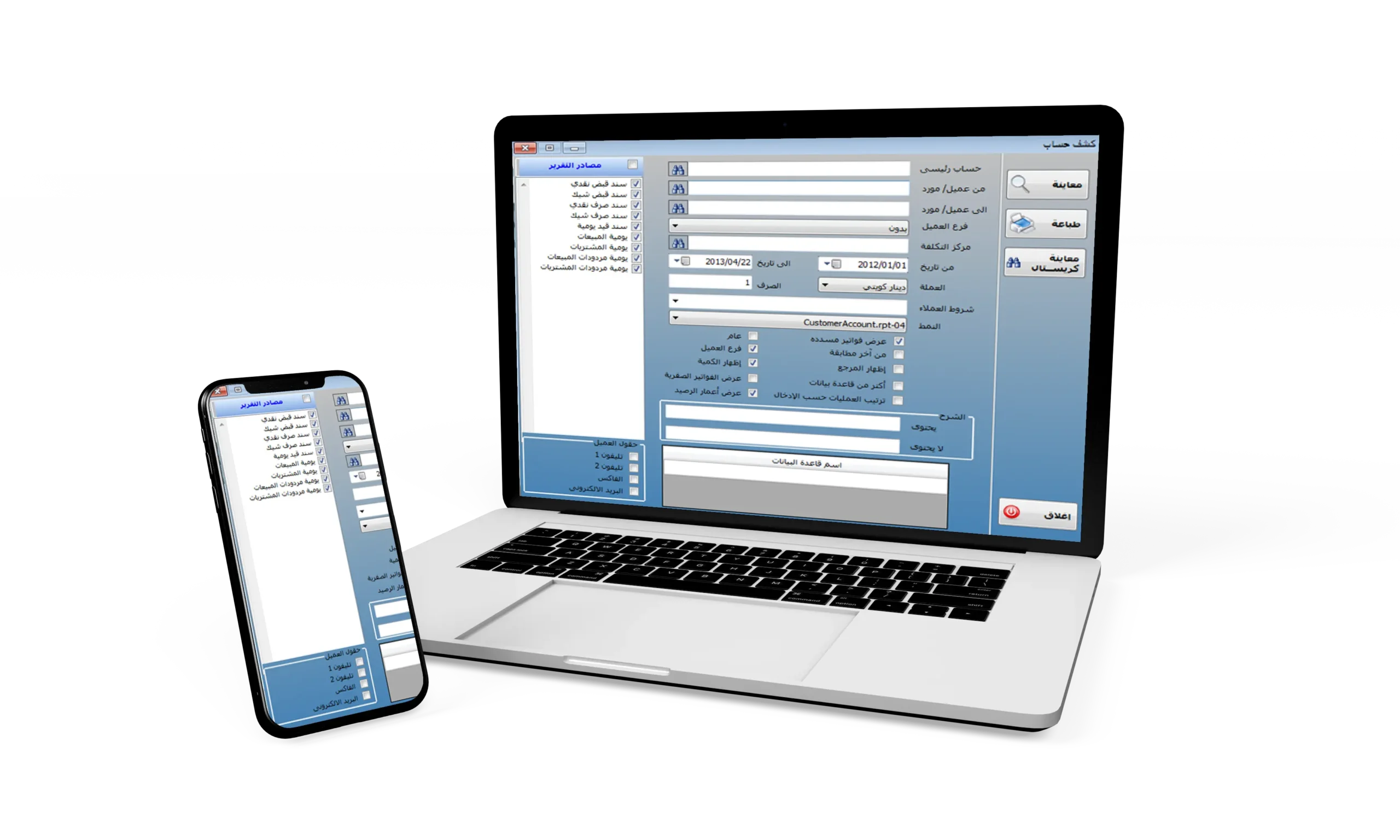
The following screen shows the customer account statement by branches and quantities.